Copying Schemas to an Organization
Overview
Schemas are templates which define what kind of credential you are issuing or what credential information you are requesting from a wallet holder. Once you have created a schema in one organization, you can copy it to another organization to which you have access.
Prerequisites
- Credential or proof schema
- Access to another organization
Steps
Navigate to Schemas
- Click either "Credential schemas" or "Proof schemas" in the left sidebar
- Click the schema you want to copy
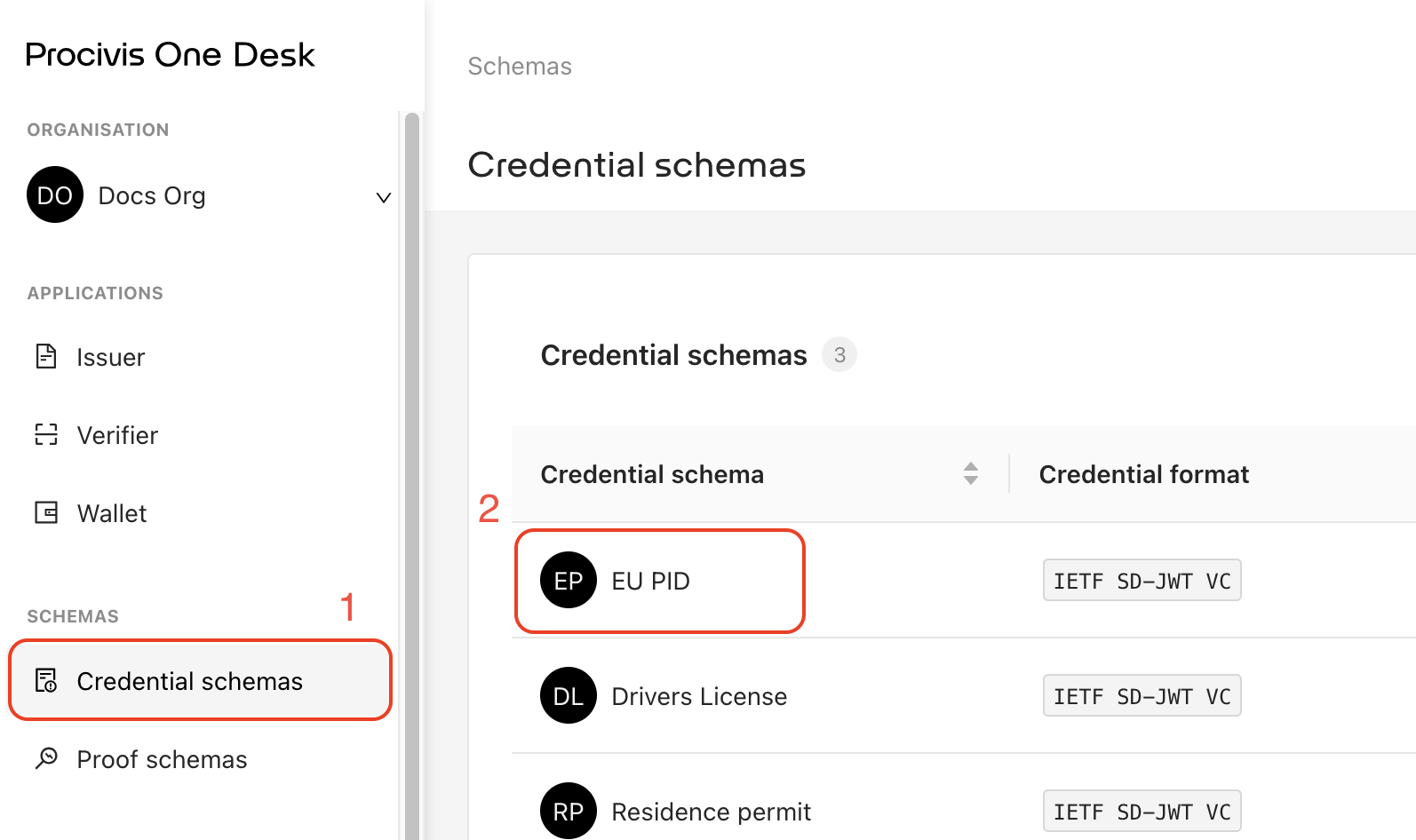
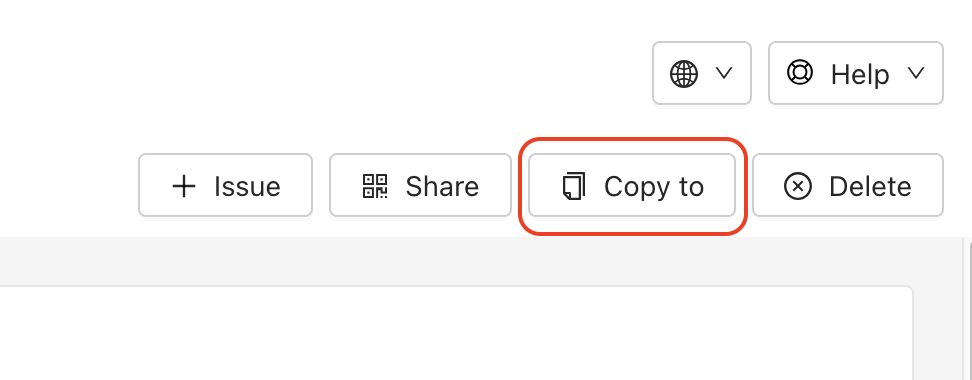
Copy the schema
- Click "Copy to"
- Select the organization you want to copy the schema to
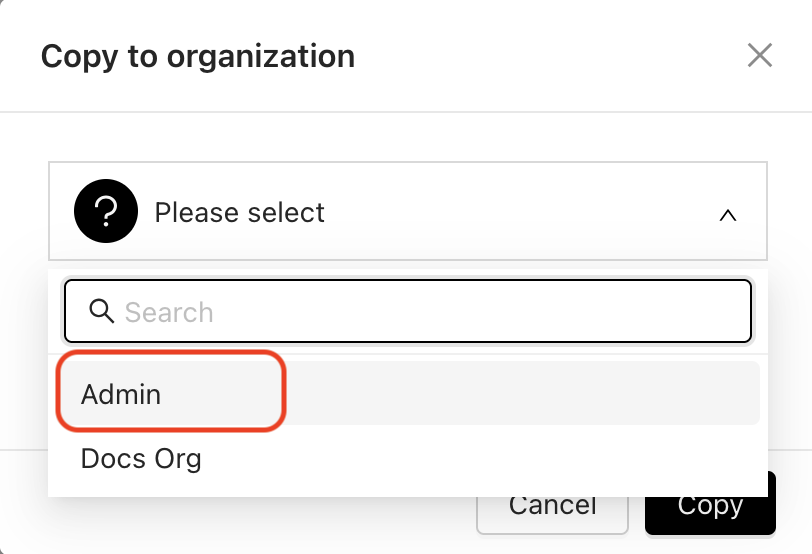
- Click "Copy"